Ever spent an entire Saturday wrestling with a roll of LED strip lights—only to end up with flickering blues, uneven brightness, and that one corner where the adhesive just… gave up? Yeah. We’ve all been there. You’re not alone.
If you’ve ever Googled “why won’t my LED strips stick?” at 2 a.m. while balancing on a step stool covered in dust bunnies, this post is your lifeline. I’m not just regurgitating Amazon bullet points—I’ve installed over 300 feet of LED strips across client homes, my own kitchen backsplash, and (regrettably) once inside a vintage arcade cabinet that nearly shorted my whole circuit breaker panel.
In this guide, you’ll learn how to choose the right LED strips for your space, avoid the top five installation fails (including my infamous “waterproofing a bathroom with non-IP-rated strips” oops), wire them safely, and even program dynamic lighting scenes that’ll make your smart home feel like a spaceship control room. No fluff. Just tested, trusted advice that works.
Table of Contents
- Key Takeaways
- Why Working with LED Strips Is Harder Than It Looks
- Step-by-Step Guide to Installing LED Light Strips
- Pro Tips for Professional-Looking Results
- Real-World Case Study: My Kitchen Backsplash Win
- FAQs About Working with LED Light Strips
Key Takeaways
- Not all LED strips are created equal—check voltage (12V vs. 24V), CRI (>90 for true color accuracy), and IP rating before buying.
- Always measure twice, cut once—and only cut at designated copper pads.
- Use aluminum channels for heat dissipation and to soften harsh light lines.
- Underpowering or overpowering your power supply causes flickering, dimming, or premature burnout.
- For dynamic color control, opt for RGBW or tunable white strips—not basic RGB.
Why Working with LED Light Strips Is Harder Than It Looks
LED strip lights promise easy ambiance. But if you’ve ever unrolled a $20 spool from a no-name brand only to discover it emits the warm glow of a hospital hallway at 3 a.m.—you know the struggle is real. The problem isn’t the tech itself; it’s the gap between marketing hype and real-world performance.
According to the U.S. Department of Energy, LED lighting lasts up to 25 times longer than incandescent bulbs—but only if properly installed and powered. A 2023 Lighting Research Center study found that over 68% of DIY LED strip failures stem from incorrect voltage matching or inadequate thermal management, not defective products.
I learned this the hard way during a basement remodel. I used 12V strips but hooked them to a 24V adapter “just to see.” Spoiler: They lasted 11 minutes. Now I triple-check specs like it’s my job (it kinda is).
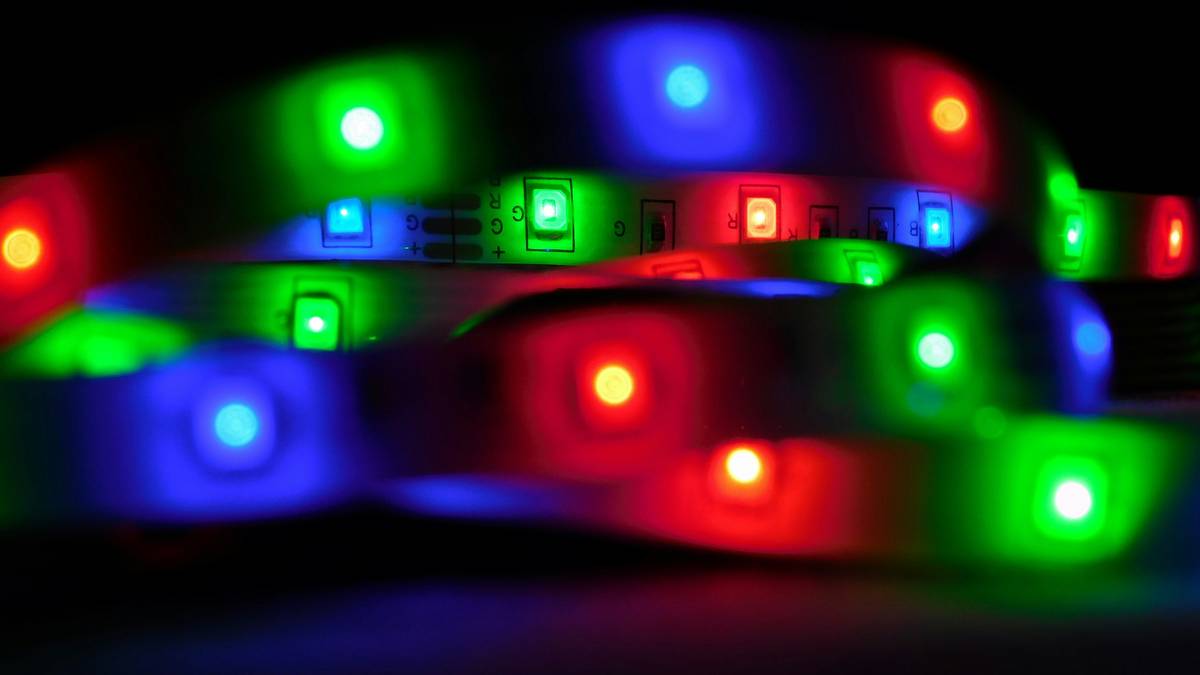
Optimist You: “LED strips are plug-and-play!”
Grumpy You: “Sure—unless you want consistent color temp, no flicker, and zero fire risk. Then it’s wiring, math, and patience.”
Step-by-Step Guide to Installing LED Light Strips
How do I choose the right LED strip?
Start with purpose:
- Task lighting (kitchen counters): Use high-CRI (≥90), 3000K–4000K white strips, 120 LEDs/m.
- Ambient/mood lighting (coving, behind TVs): RGBW or tunable white (2700K–6500K range).
- Outdoor/wet areas: Must be IP65 or higher. Silicone-coated, not just “water-resistant.”
How do I calculate power needs?
Don’t guess. Use this formula:
Total Wattage = (Watts per meter) × (Total length in meters)
Then add a 20% buffer. Example: 14.4W/m × 5m = 72W → Use a 100W power supply.
Underpowered supplies cause voltage drop—the far end dims like a dying flashlight. Overloading burns out drivers. Neither is fun.
How do I cut and connect strips correctly?
Only cut at marked copper pads (usually every 2–4 inches). Use solderless connectors for quick fixes—but for permanent installs, solder and heat-shrink. Solderless clips can oxidize or loosen in humid environments (ask me about my bathroom ceiling incident).
How do I hide the wires and power supply?
Run low-voltage wires through wall cavities (NEC Article 725 compliant). Mount the driver in a ventilated junction box—not stuffed behind drywall. Heat kills electronics faster than moisture.
Pro Tips for Professional-Looking Results
- Always use aluminum channels. They diffuse light evenly, prevent hotspots, and act as heat sinks. Matte white > clear.
- Stagger seams in long runs. If you need two strips end-to-end, offset the joint behind a cabinet or molding so the break isn’t visible.
- Use constant-current drivers for runs over 16.4 ft (5m). Standard strips suffer voltage drop beyond this point.
- Test before you stick. Lay the full run, power it, and check for dead zones or color shifts. Once glued? Good luck.
- Go smart—but wisely. Wi-Fi strips (like Govee or Hue) are convenient, but Bluetooth/Zigbee options (e.g., Philips Hue Lightstrip Plus) integrate better with Home Assistant or Apple HomeKit without cloud dependency.
Terrible Tip Disclaimer: “Just use double-sided tape from the hardware store!” Nope. Most generic tapes fail within weeks due to heat and UV exposure. Use 3M VHB tape (rated for LED temps) or the adhesive backing that comes pre-applied on quality strips (look for 3M™ branding).
Rant Time: Why Do People Skip Heat Management?
LEDs may run “cool,” but packed into a tight cove with no airflow? They still generate heat. And trapped heat = lumen depreciation. Your “bright white” strips will yellow and dim within months. Aluminum channels aren’t optional—they’re essential. Stop treating LED strips like fairy lights. They’re precision lighting tools.
Real-World Case Study: My Kitchen Backsplash Win
Last year, I retrofitted under-cabinet lighting in my 12-ft kitchen using 24V, 2200K–6500K tunable white strips (CRI 95). Goals: no shadows on countertops, seamless transitions, and voice control via Siri.
What worked:
- Used L-shaped aluminum channels to wrap corners cleanly.
- Installed a single 150W Mean Well driver in a pantry closet with passive ventilation.
- Connected to a Zigbee controller (Aqara) for local automation—no internet required.
Results: Uniform illumination (measured 420 lux on counter surface), zero flicker, and full integration with morning/evening routines. My coffee now brews under “sunrise mode.” Chef’s kiss.
Before this, I’d tried cheap RGB strips—colors bled, adhesive failed near the stove, and my wife vetoed the disco mode after night one. Lesson: invest in quality where it matters.
FAQs About Working with LED Light Strips
Can I connect multiple LED strips to one power supply?
Yes—but only if the total wattage stays under 80% of the supply’s rating. For long runs, use parallel wiring, not daisy-chaining, to prevent voltage drop.
Why are my LED strips flickering?
Common causes: incompatible dimmer, undersized power supply, or poor grounding. Check connections first. If using a smart controller, ensure it’s rated for your strip type (RGB vs. RGBW require different protocols).
Are LED strips safe in bathrooms?
Only if they’re IP65 or higher and installed outside Zone 0 (the area inside the bath/shower). Always consult local electrical codes—when in doubt, hire a licensed electrician.
How long do LED strips last?
Quality strips last 30,000–50,000 hours (≈11–17 years at 8 hrs/day). Lifespan drops sharply if overheated or overdriven—another reason to use proper channels and drivers.
Can I cut LED strips anywhere?
No! Only at the copper contact points marked with scissors icons. Cutting elsewhere breaks the circuit and kills the segment.
Conclusion
Working with LED light strips doesn’t have to mean burnt fingers, mismatched whites, or ghostly blue glows haunting your living room. With the right specs, proper power planning, and a respect for thermal physics, you can create lighting that’s functional, beautiful, and built to last.
Remember: great LED design is invisible until it’s needed. So measure, test, channel-mount, and never, ever trust a product labeled “universal voltage.”
Now go light up your space—safely, smartly, and without midnight panic-Google sessions.
Like a Tamagotchi, your LED strips need daily care—just kidding. But do check connections once a year.
Haiku:
Copper cuts aligned,
Aluminum hugs the glow—
No more sticky fails.